
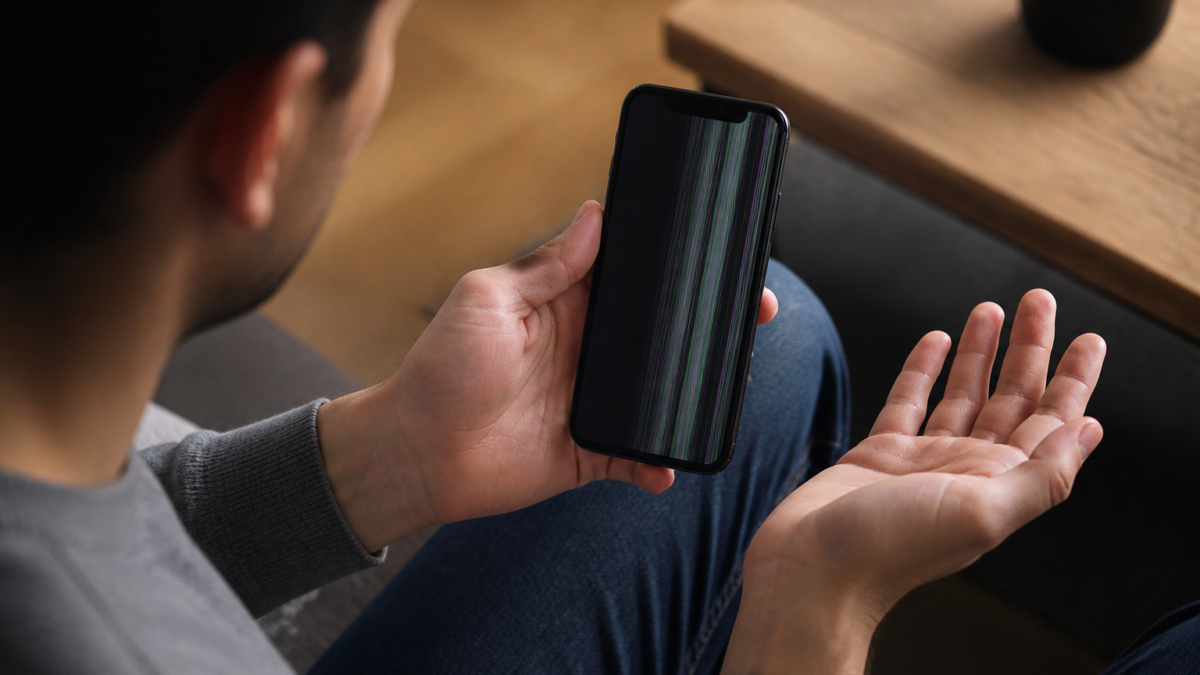
Understanding iPhone Display Issues
The iPhone display is one of the most crucial components, providing users with a visual interface for interaction. However, users may encounter various display issues, such as flickering screens, unresponsive touch, or color distortions. These problems can stem from software glitches, hardware malfunctions, or even environmental factors.
Common Causes of Display Problems
- Software Glitches: Updates or app incompatibilities can lead to temporary display issues.
- Hardware Damage: Physical impacts or exposure to moisture can affect the display’s functionality.
- Settings Misconfiguration: Incorrect display settings may cause unexpected behavior.
- Environmental Factors: Extreme temperatures can affect screen responsiveness.
Step-by-Step Fixes for iPhone Display Issues
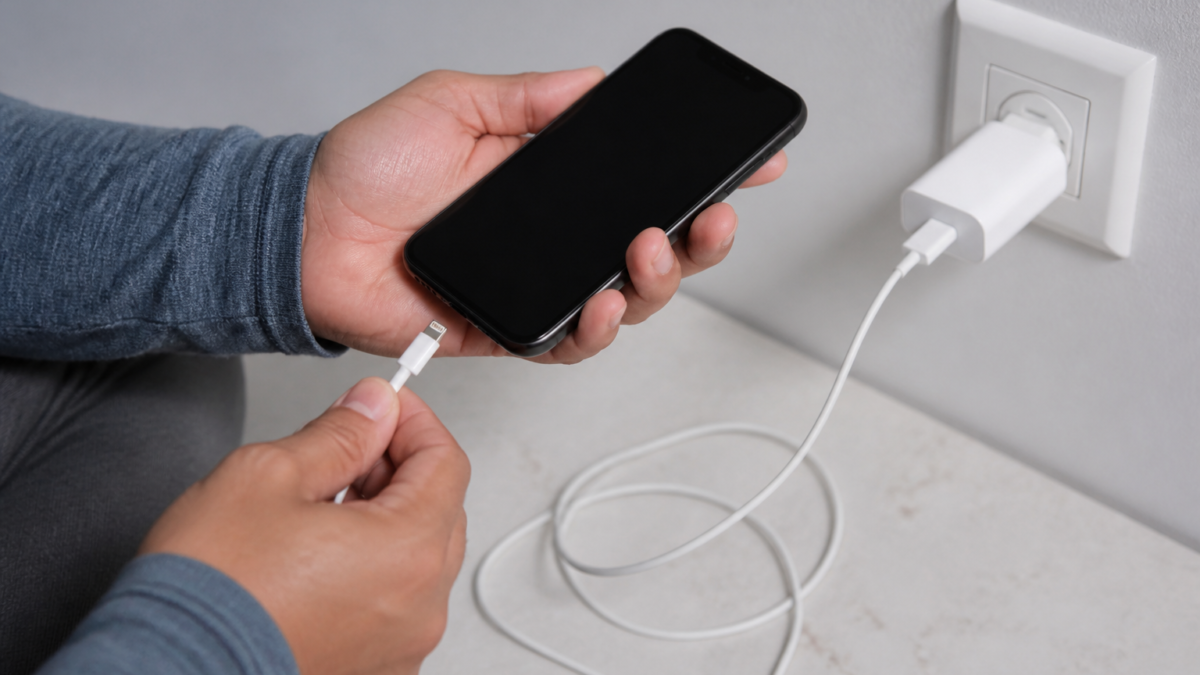
- Restart Your Device: A simple restart can resolve many temporary glitches. Press and hold the power button until the slider appears, then slide to power off. Wait a few seconds and turn it back on.
- Check for Software Updates: Go to Settings > General > Software Update. If an update is available, download and install it.
- Adjust Display Settings: Navigate to Settings > Display & Brightness. Ensure settings like brightness and Night Shift are configured correctly. You can also toggle True Tone on and off to see if it resolves color issues.
- Reset All Settings: If problems persist, consider resetting all settings. Go to Settings > General > Transfer or Reset iPhone > Reset > Reset All Settings. Note that this will not erase your data but will reset preferences.
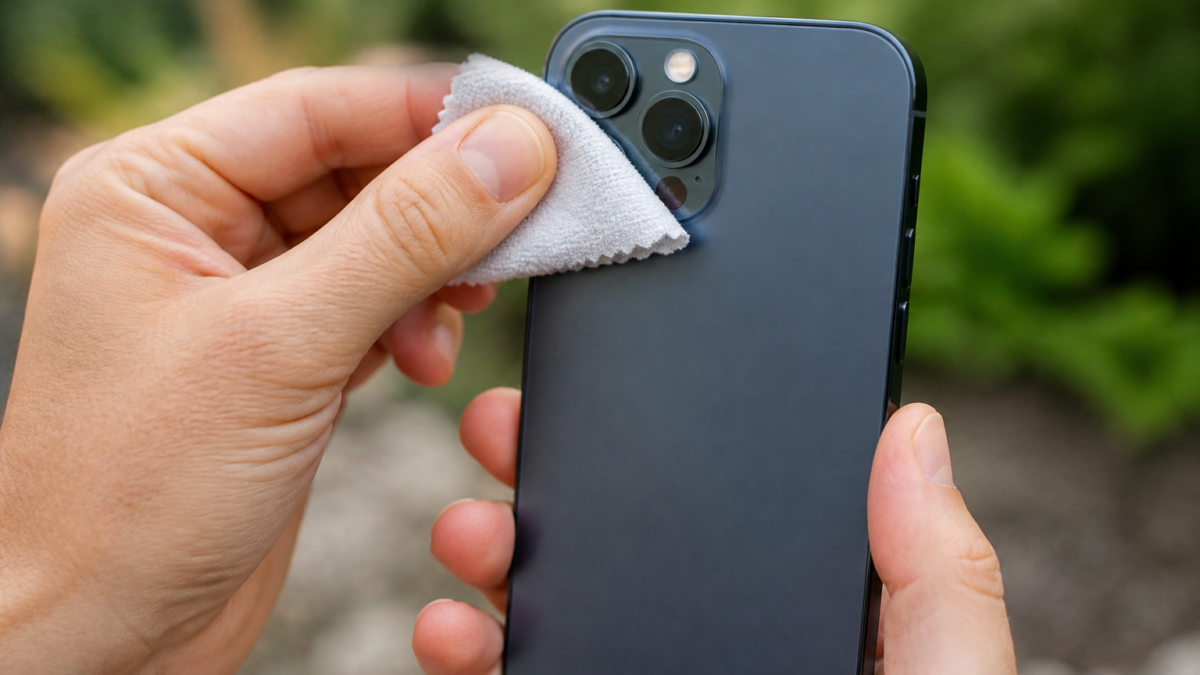
- Inspect for Physical Damage: Check for cracks or water damage. If you find any, professional repair may be necessary.
Trade-offs and Considerations
While many display issues can be resolved with simple troubleshooting steps, some may require more in-depth solutions. Resetting all settings can fix persistent problems but may require reconfiguration of preferences. If hardware damage is suspected, attempting DIY repairs can void warranties or cause further damage, so professional help is often the safest route.
When to Contact Apple Support
If your display issues persist after trying the above fixes, or if you notice signs of physical damage, it’s advisable to contact Apple Support. They can provide expert guidance and determine if your device needs repair or replacement. Additionally, if your iPhone is still under warranty, repairs may be covered.
Checklist for Troubleshooting iPhone Display Issues
- Restart your device.
- Check for software updates.
- Adjust display settings.
- Inspect for physical damage.
- Consider resetting all settings if issues persist.
- Contact Apple Support if necessary.
Frequently Asked Questions
What should I do if my iPhone screen is flickering?
Try restarting your device and checking for software updates. If the issue persists, consider resetting all settings.
How can I fix an unresponsive touch screen on my iPhone?
Restart your iPhone and check for any physical damage. If it remains unresponsive, you may need to contact Apple Support.
Why are the colors on my iPhone display distorted?
Check your display settings, particularly True Tone and Night Shift. If adjustments don’t help, a software update may be needed.
Is it safe to reset all settings on my iPhone?
Yes, resetting all settings is safe and will not erase your data, but you’ll need to reconfigure your preferences afterward.
When should I seek professional help for my iPhone display issues?
If troubleshooting steps do not resolve the issues or if you notice physical damage, it’s best to contact Apple Support for assistance.
Editorial note: This guide was independently prepared from publicly available reporting and should be checked against Apple’s current support documentation. Original report: www.macrumors.com.
Featured image: fireworks, new year, full hd wallpaper, night sky, 4k wallpaper, celebration, wallpaper hd, night, beautiful wallpaper, flash, free wallpaper, wallpaper 4k, mac wallpaper, colorful, dark, festivity, energy, free background, cool backgrounds, background, new year's celebration, happiness, 4k wallpaper 1920×1080, purple, windows wallpaper, desktop backgrounds, laptop wallpaper, colorful display, lucrative, emotional, festival, hd wallpaper, shadow, passion by ANNature4K (Pixabay Content License).







Leave a Reply