
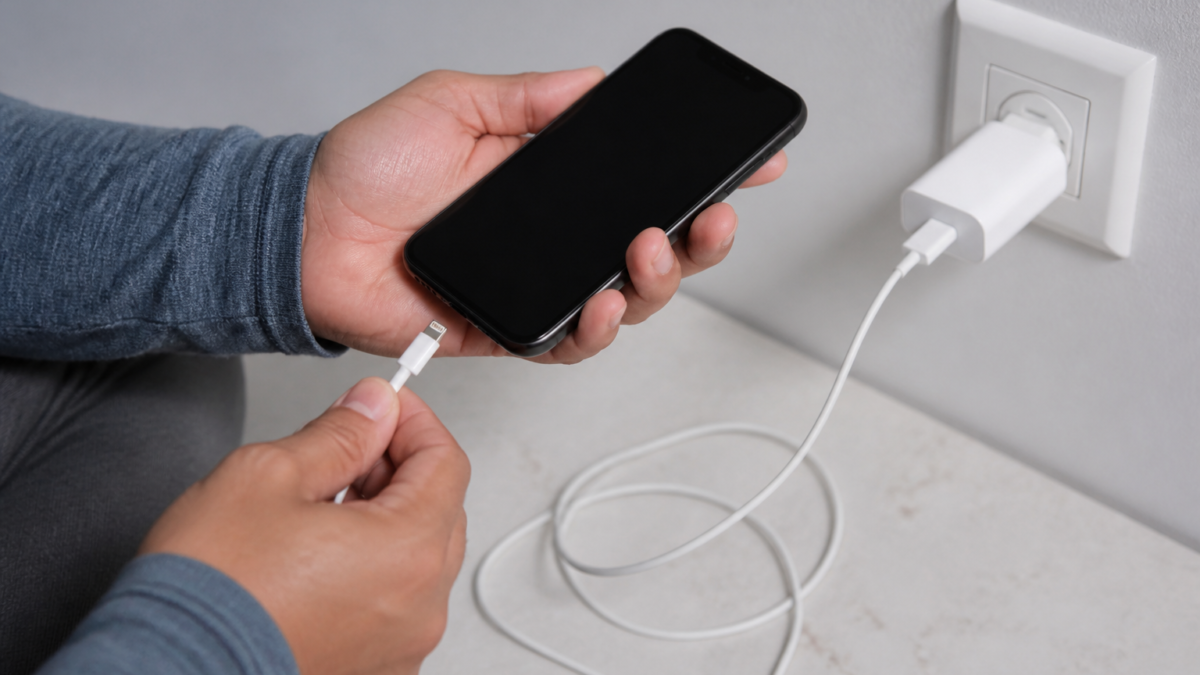
iPhone cable is not charging: the fastest way to narrow it down
If your iPhone does not charge when you plug in a cable, the problem is usually one of four things: the cable, the power adapter, the wall outlet or USB port, or the iPhone’s charging port. Apple’s troubleshooting guidance starts with simple checks and moves toward restart, debris removal, and service if the phone still will not charge. ([support.apple.com](https://support.apple.com/en-us/108805?utm_source=openai))
This guide is for everyday iPhone users who want a safe, practical fix before they replace parts or visit a repair shop.
What is known about iPhone charging failures
Apple says to test the device with a known power source, inspect the cable and adapter for damage, make sure the connections are firm, remove debris from the port, and let the phone charge for a while before trying a force restart. Apple also notes that some charging problems are caused by unsupported or damaged accessories. ([support.apple.com](https://support.apple.com/en-us/108805?utm_source=openai))
On newer iPhone models with USB-C, Apple says charging speed and compatibility can depend on the cable and adapter you use. Apple also notes that a USB-C cable must support charging, and that some third-party USB-C power adapters may not work properly with iPhone. ([support.apple.com](https://support.apple.com/en-us/111752?utm_source=openai))
Step-by-step fixes to try
- Change the power source first. Plug the iPhone into a wall outlet, a computer, or another known-good charger. If one source fails but another works, the issue is likely the adapter, cable, or outlet rather than the iPhone. ([support.apple.com](https://support.apple.com/en-us/108805?utm_source=openai))
- Check the cable and adapter for visible damage. Look for fraying, bent prongs, loose connectors, or cracked ends. Apple advises not to use damaged accessories. ([support.apple.com](https://support.apple.com/en-us/108805?utm_source=openai))
- Make sure the cable fits the phone you own. Older iPhones use Lightning; iPhone 15 models and later use USB-C. Apple says for faster wired charging, use a USB-C Power Delivery charger and a USB-C cable for iPhone 15 models and later, or a USB-C to Lightning cable for iPhone 14 models and earlier. ([support.apple.com](https://support.apple.com/en-mide/120619?utm_source=openai))
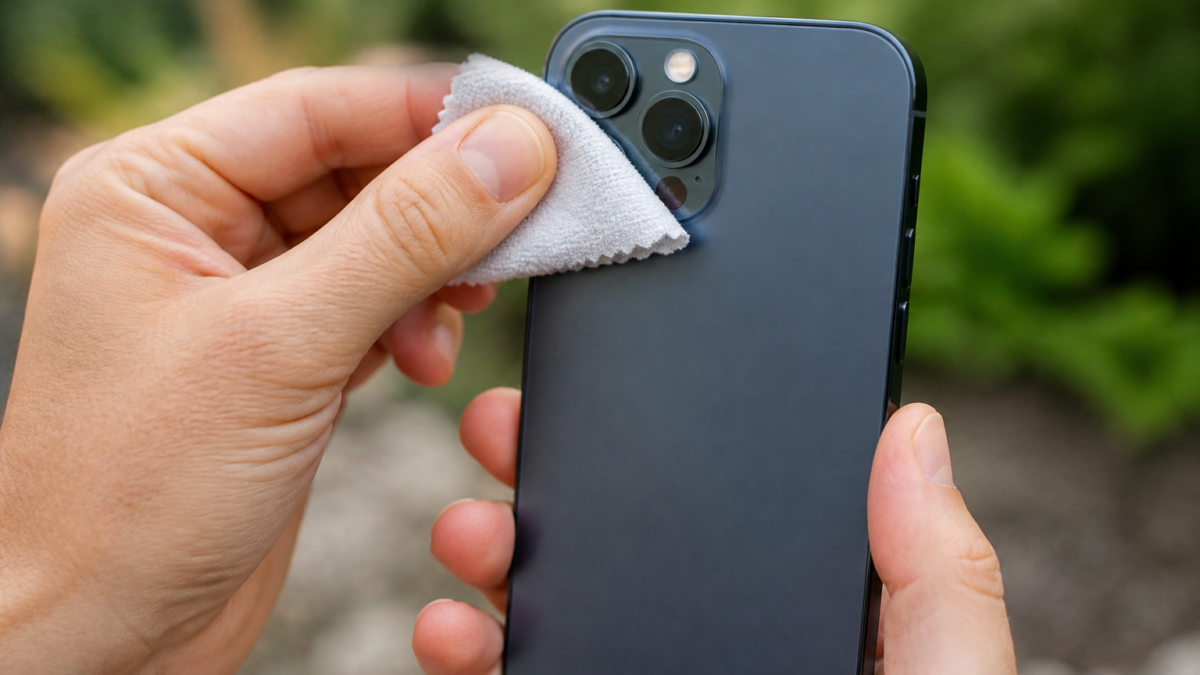
- Remove debris from the charging port. Lint or dust can prevent the plug from seating fully. Clean carefully and do not use anything metal or sharp. Apple specifically recommends checking for debris before reconnecting the cable. ([support.apple.com](https://support.apple.com/en-us/108805?utm_source=openai))
- Reconnect firmly and try a different outlet or USB port. A loose wall plug, worn outlet, or weak USB port can make it seem like the cable is bad. ([support.apple.com](https://support.apple.com/en-us/108805?utm_source=openai))
- Let it charge for 30 minutes. If the battery is deeply drained, the phone may need time before it shows normal charging behavior. Apple recommends waiting after the initial check. ([support.apple.com](https://support.apple.com/en-us/108805?utm_source=openai))
- Restart the iPhone. A simple restart can clear temporary software issues that interrupt charging. Apple includes restart as an early troubleshooting step. ([support.apple.com](https://support.apple.com/en-us/108805?utm_source=openai))
- Force restart if the phone still will not respond. Apple recommends a force restart after the phone has been left on charge for a while and still will not power on normally. The button sequence depends on the model. ([support.apple.com](https://support.apple.com/en-us/108805?utm_source=openai))
When the cable appears to work, but charging still seems wrong
Sometimes the phone is charging, but not the way you expect. Apple says iPhone may stop at 80 percent because of Optimized Battery Charging, because the phone is too warm, or because an iPhone 15 model or later has a charge limit set. That is different from a true charging failure. ([support.apple.com](https://support.apple.com/en-us/108805?utm_source=openai))
Apple also says a charging accessory warning can appear if the accessory is defective, damaged, dirty, or not designed to charge the device. In that case, swapping the cable and adapter is usually the fastest diagnostic step. ([support.apple.com](https://support.apple.com/en-us/108805?utm_source=openai))
Good and bad sides of the do-it-yourself approach
Good: These checks are fast, low-cost, and often solve the problem without repair. They also help you identify whether the real problem is the cable, adapter, outlet, or iPhone port. ([support.apple.com](https://support.apple.com/en-us/108805?utm_source=openai))
Bad: If the port is physically damaged, if there is liquid exposure, or if the battery or logic board has failed, basic troubleshooting will not fix it. Repeatedly forcing a cable into a dirty or damaged port can make things worse. Apple says to seek service if the device still will not power on or charge after the recommended steps. ([support.apple.com](https://support.apple.com/en-us/108805?utm_source=openai))
Safe alternatives if wired charging fails
If your cable continues not to charge, try a different Apple-compatible cable and power adapter, or use a wireless charging accessory if your iPhone model supports it. Apple’s guidance for charging emphasizes using compatible accessories and a proper power adapter. ([support.apple.com](https://support.apple.com/en-us/102193?utm_source=openai))
If the issue happens only when the battery is fully drained on certain newer models, Apple and reporting from MacRumors indicate that some recent iPhone models had a wired-charging issue that was addressed in iOS 26.5.1. That point matters mainly if you own one of the affected models and have not updated yet. ([macrumors.com](https://www.macrumors.com/2026/06/01/apple-releases-ios-26-5-1/?utm_source=openai))
Who this guide is for
This guide is for people whose iPhone will not charge from a cable, charges only intermittently, or shows an unsupported-accessory message. It is also useful if you are unsure whether the fault is with the phone or the charging gear. ([support.apple.com](https://support.apple.com/en-us/108805?utm_source=openai))
Decision checklist
- Try another outlet, USB port, or charger.
- Inspect the cable and adapter for damage.
- Confirm the cable matches your iPhone model.
- Clean the charging port gently and remove lint.
- Restart the iPhone, then force restart if needed.
- Wait 30 minutes before deciding the battery has failed.
- If the phone still will not charge, schedule service. ([support.apple.com](https://support.apple.com/en-us/108805?utm_source=openai))
Bottom line
When an iPhone cable is not charging, start with the simplest fixes: change the charger, inspect the cable, clean the port, and restart the phone. Most charging problems are caused by accessories or debris, not a dead battery. If those steps do not work, the next most useful move is to try another compatible cable and power adapter. If the phone still refuses to charge, service is the right next step. ([support.apple.com](https://support.apple.com/en-us/108805?utm_source=openai))
Frequently Asked Questions
FAQ
Why is my iPhone not charging when plugged in?
The most common causes are a bad cable, a weak or incompatible adapter, a dirty charging port, a loose connection, or a software issue that needs a restart. Apple recommends checking each of those in order. ([support.apple.com](https://support.apple.com/en-us/108805?utm_source=openai))
Should I clean the charging port myself?
Yes, but do it gently. Apple advises removing debris from the port before reconnecting the cable. Avoid anything sharp or metallic that could damage the connector. ([support.apple.com](https://support.apple.com/en-us/108805?utm_source=openai))
What if my iPhone stops at 80 percent?
That may be normal. Apple says Optimized Battery Charging, battery temperature, or a charge limit on some newer iPhones can keep charging from moving past 80 percent right away. ([support.apple.com](https://support.apple.com/en-us/108805?utm_source=openai))
When should I get service?
If the iPhone still will not charge after you have tried a different outlet, cable, and adapter, cleaned the port, and restarted the phone, Apple says you may need service. ([support.apple.com](https://support.apple.com/en-us/108805?utm_source=openai))
Sources and Further Reading
Editorial note: This article was prepared using live web research and public sources. Policies, prices, availability, health information, and platform interfaces may change. Verify important details with the relevant official source.
Featured image: Apple Plug (3885641487).jpg by cogdogblog (CC BY 2.0).



Leave a Reply