
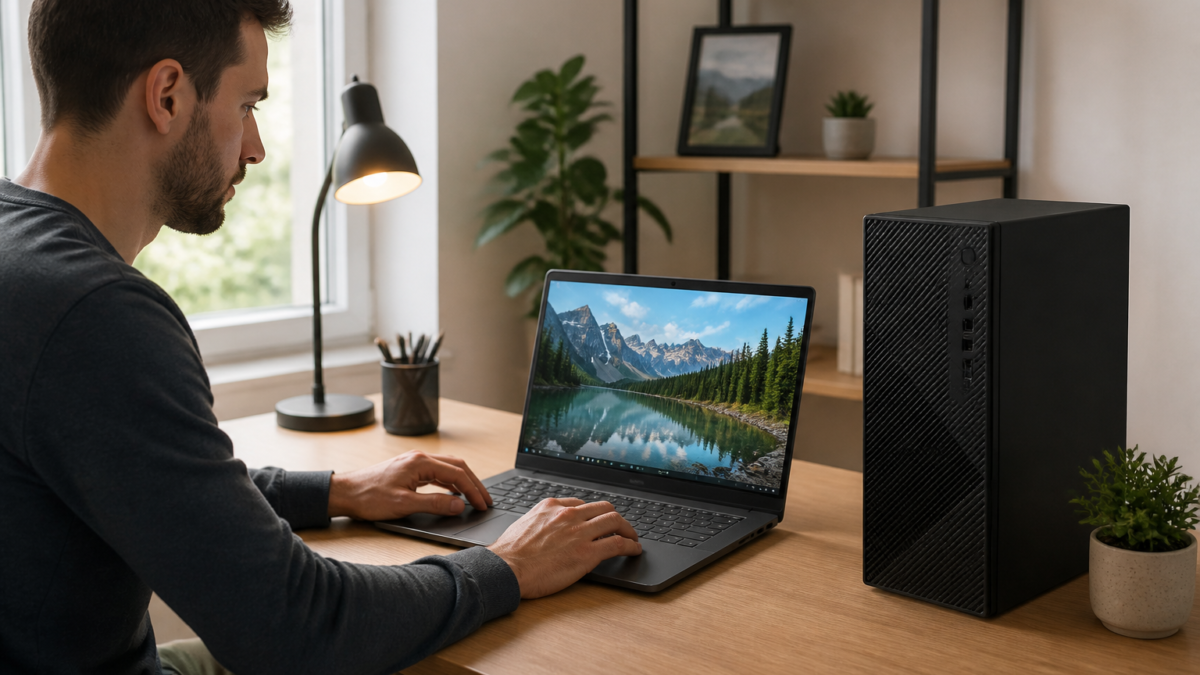
Dell laptops and desktops are available in a wide range of configurations, from basic computers for browsing and schoolwork to high-performance systems for gaming, creative applications, and professional workloads. That variety can make shopping useful, but it can also make it difficult to compare one deal with another.
The lowest advertised price is not always the best value. A computer with limited memory, small storage, or an unsuitable processor may become frustrating sooner than a slightly more capable system. The better approach is to start with how you plan to use the computer, then compare the specifications that support those tasks.
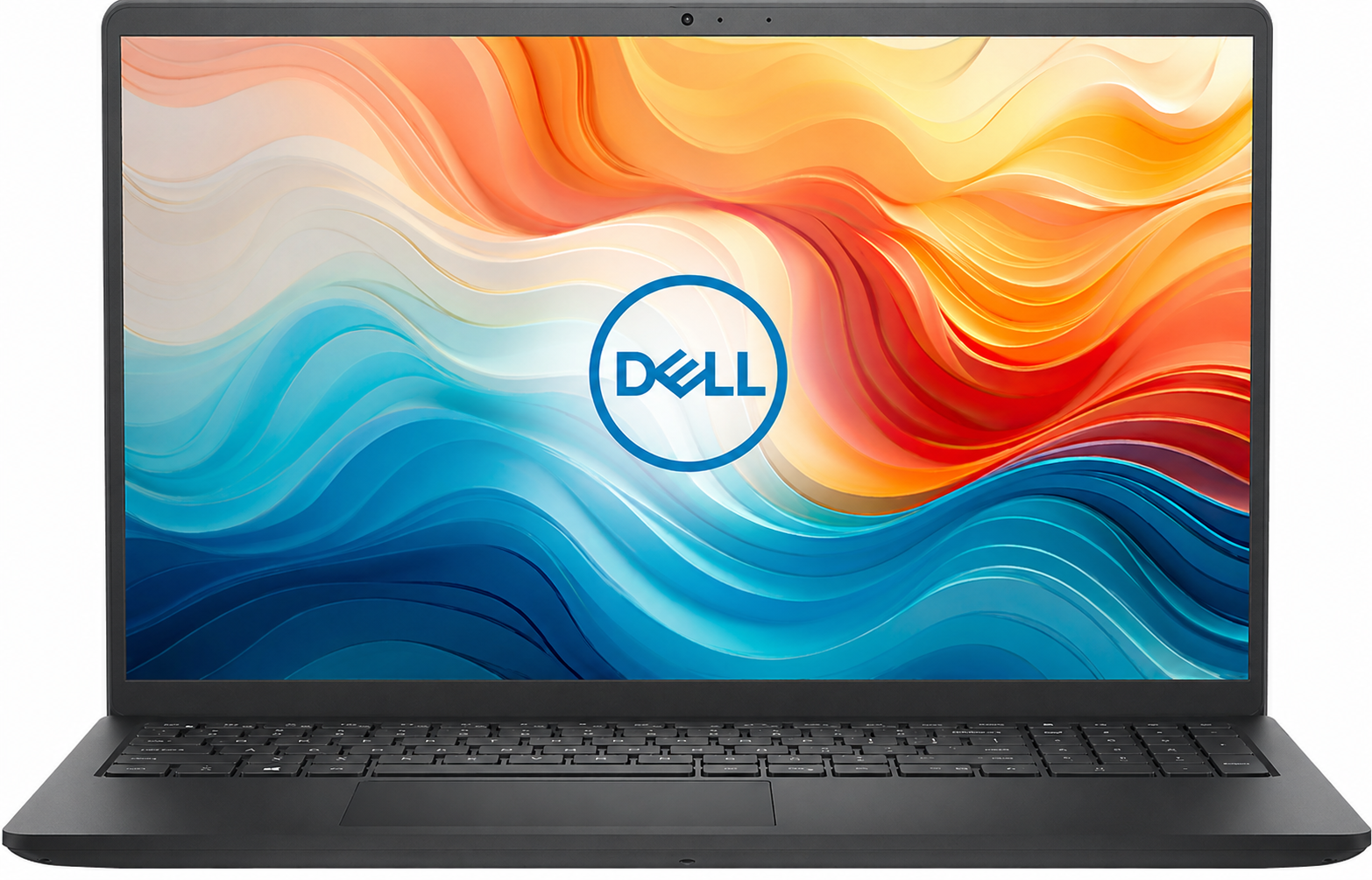
Why Compare Dell Computers?
Dell sells computers for several different audiences, including students, families, remote workers, businesses, gamers, and creative professionals. Its product families are generally organized around different priorities, such as affordability, portability, business use, premium design, gaming, or workstation performance.
That range is helpful when you know what you need. For example, a person who mainly uses web apps and video calls may benefit more from a comfortable keyboard, a clear webcam, and dependable battery life than from a powerful graphics card. A gamer, by contrast, should pay closer attention to the dedicated graphics processor, display refresh rate, cooling design, and upgrade options.
Comparing the complete configuration matters because two computers from the same product family may have very different processors, memory capacities, storage drives, displays, and graphics hardware.
Dell Laptop Families to Consider
Dell Inspiron
Inspiron laptops are commonly considered by students, families, home users, and people who need a general-purpose computer. Depending on the configuration, an Inspiron may be suitable for web browsing, document work, streaming, online classes, email, video calls, and everyday multitasking.
When comparing Inspiron systems, check the exact processor, memory, storage type, display resolution, and port selection. Entry-level configurations may be appropriate for lighter tasks, while users who regularly keep many browser tabs and applications open may prefer more memory and a faster processor.
Dell XPS
XPS laptops are positioned toward buyers who want a more premium design, a portable form factor, and higher-end configuration choices. They may appeal to professionals, students, frequent travelers, and creators who value build quality, display options, and performance in a relatively compact computer.
A premium laptop is not automatically the right choice for every buyer. Compare its weight, battery capacity, ports, repair or upgrade limitations, display characteristics, and total cost with less expensive alternatives before deciding.
Dell Latitude
Latitude laptops are designed with business and professional users in mind. Buyers often compare them for office productivity, remote work, travel, fleet deployment, and administrative tasks. Depending on the model, business-oriented features may include additional manageability, security, docking, or support options.
Business buyers should review the exact service plan and security features instead of assuming that every Latitude configuration includes the same capabilities. Individual shoppers should also compare the price and specifications with consumer-focused laptops that may offer similar performance for less.
Dell Desktop Families and Gaming PCs
Dell OptiPlex
OptiPlex desktops are commonly associated with office, education, reception, administrative, and business environments. A desktop can be a practical choice when portability is not important and the buyer wants a fixed workstation with a larger monitor, more desk connections, or a comfortable full-size setup.
Form factor is important. Small and compact desktops can save space, but they may provide fewer expansion options than larger towers. Before buying, check the number of display outputs, available USB ports, wireless connectivity, internal expansion space, and whether the configuration supports the accessories you already use.
Dell Precision
Precision workstations are intended for demanding professional applications and specialized workflows. They may be compared by designers, engineers, video professionals, architects, developers, and other users whose software benefits from higher processing, graphics, memory, or storage capacity.
Do not select a workstation solely because it has a professional label. The right configuration depends on the software involved. Check the application’s recommended hardware requirements and compare the processor, graphics hardware, memory, storage, display support, and certification information where relevant.
Alienware Gaming Systems
Alienware is Dell’s gaming-focused brand. Alienware laptops and desktops are generally compared by buyers who want dedicated graphics, gaming-oriented displays, strong cooling, and performance hardware for demanding games or other graphics-intensive applications.
Gaming buyers should look beyond the brand name. Compare the graphics processor first, then review the processor, memory, storage, display resolution, refresh rate, cooling approach, and upgradeability. A high-resolution display may require more graphics performance than a lower-resolution screen, particularly in demanding games.
Laptop or Desktop: Which Is the Better Fit?
A laptop is usually the more convenient choice when you need to move between rooms, travel, attend classes, or work in different locations. It combines the display, keyboard, touchpad, battery, and computer hardware in one unit. The tradeoff is that laptops can be more difficult to upgrade or repair, and comparable performance may cost more than a desktop.
A desktop may be preferable for a permanent home office, business workstation, gaming setup, or creative environment. Desktops often make it easier to use larger monitors, full-size accessories, wired networking, and multiple storage devices. They also tend to offer more flexibility in larger cases, although the upgrade potential depends on the specific model.
Consider a laptop if portability is essential. Consider a desktop if you want a stationary setup, more screen and accessory flexibility, or the ability to prioritize performance within a fixed workspace.
Specifications That Matter Before You Buy
Processor
The processor affects general responsiveness and performance in many applications. Compare the specific processor model rather than relying only on a broad family name. Newer or higher-tier processors may offer more performance, but the best option depends on the workload and the rest of the configuration.
Memory
Memory, commonly called RAM, affects how comfortably a computer handles multiple applications and browser tabs at the same time. Buyers should consider their typical workload and whether the memory can be upgraded later. A computer with too little memory may feel restrictive even if it has a capable processor.
Storage
Solid-state storage is common in modern computers and generally provides faster everyday responsiveness than older mechanical hard drives. Capacity is also important. Office files may require modest space, while games, video projects, photos, and large software installations can consume storage quickly.
Graphics
Integrated graphics may be sufficient for general productivity, video playback, and many school or office tasks. Dedicated graphics are more relevant for gaming, 3D applications, certain creative workflows, and other demanding visual workloads. Confirm the exact graphics hardware rather than assuming that every laptop in a gaming or premium series performs the same way.
Display and Connectivity
For laptops, review screen size, resolution, brightness information, refresh rate, webcam placement, keyboard layout, and available ports. For desktops, check display outputs and make sure the computer can connect to the monitors and accessories you plan to use.
Battery, Support, and Warranty
Battery performance varies with screen settings, software, workload, and configuration, so advertised battery figures should be treated as estimates rather than guarantees. Also compare the included warranty, optional service plans, return conditions, shipping terms, and support process before placing an order.
Common Buying Mistakes to Avoid
- Choosing only by price: A low-cost computer may lack the memory, storage, or performance needed for your routine tasks.
- Ignoring the exact configuration: Product-family names do not identify the processor, display, graphics, or storage in a particular listing.
- Underestimating storage needs: Games, media libraries, and creative projects can fill a small drive quickly.
- Buying gaming hardware unnecessarily: Dedicated graphics can add cost and may provide little benefit for basic office or schoolwork.
- Forgetting accessories: A desktop purchase may require a monitor, keyboard, mouse, speakers, webcam, or wireless adapter.
- Skipping return and support information: Review the terms before buying, especially for customized configurations.
How to Compare a Dell Deal Responsibly
Start by writing down the applications and tasks the computer must handle. Then set a practical budget that includes accessories and any software you may need. Compare at least the processor, memory, storage, graphics, display, ports, operating system, warranty, and delivery terms.
Before checkout, confirm that the advertised configuration is the one being purchased. Check whether the listed price depends on a limited promotion, financing option, membership, or other condition. If the computer will be used for work or school, also verify compatibility with required applications, peripherals, and online services.
Final Takeaway
Dell laptop and desktop deals are easiest to evaluate when you compare the complete configuration rather than the product name or headline price. Inspiron may suit everyday computing, XPS may appeal to buyers seeking premium portability, Latitude is commonly considered for business use, OptiPlex for fixed workstations, Precision for specialized workloads, and Alienware for gaming-focused systems.
These categories are starting points, not guarantees of performance for every user. Confirm the exact specifications, compatibility, warranty, return terms, and current availability before buying. Matching the computer to your real workload is usually more important than selecting the most expensive series.
Affiliate disclosure: This article may contain sponsored or affiliate links. If you click one of these links and complete an eligible action, the publisher may receive compensation at no additional cost to you. Product details, prices, promotions, availability, shipping, and warranty information should be confirmed on the provider’s website.
n
Compare current Dell laptop and desktop offers
n










Leave a Reply